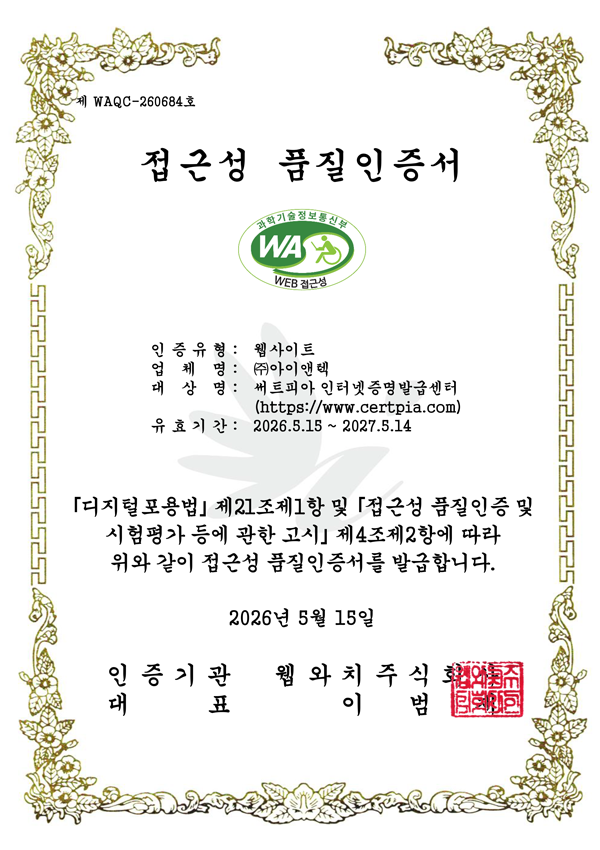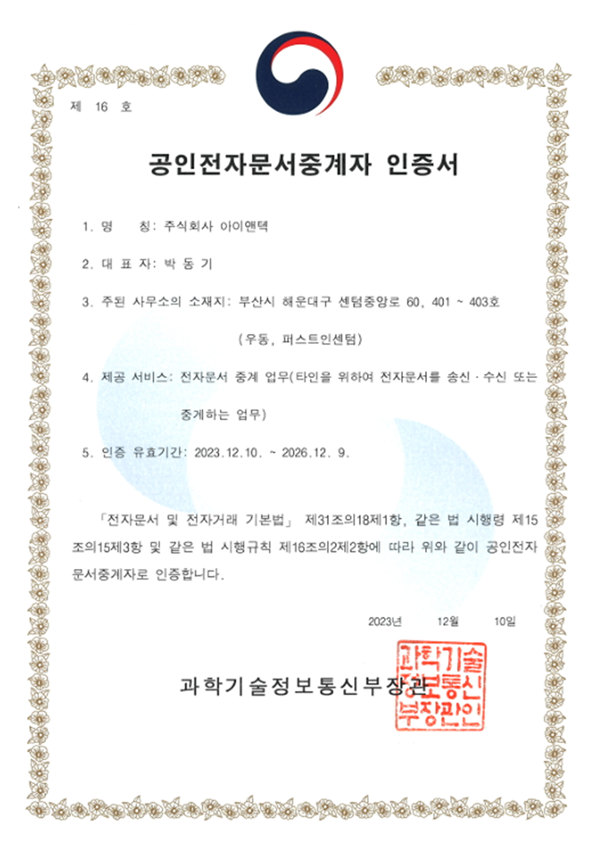

Mobile certificate issuance

This is a service that allows you to issue, store, and transmit various certificates via smartphone.
Electronic signature technology is applied to documents issued by schools and public institutions, giving them the same legal validity as paper certificates.
Article 4-1 of the Framework Act on Electronic Documents and Electronic Transactions, Article 3-1 of the Electronic Signature Act
-
 Certificate issuance
Issuance quickly anytime, anywhere
-
 e-Document Wallet
Legal validity through electronic signature
-
 Smart QR verification
Original Authenticity Verification Patent Registration No. 10-1039390
-
 Kiosk QR Printing
Immediate submission by printing QR code and verifying the issuance number
Legal Effect
We guarantee the authenticity and reliability of documents by applying electronic signature and anti-tampering solutions.
- Enforcement Decree of the Civil Petitions Treatment Act, Article 30 (Use of Printed Electronic Documents, etc.) Anti-Forgery & Alteration Measures / Authenticity Verification Measures for Printed Documents
- Enforcement Rule of the Act on Credit Recognition, etc. Certificates of credit recognition, educational attainment recognition, and degree conferral are issued upon learner request.

App installation instructions
Scan the QR code on the screen with your smartphone camera to automatically connect to the installation page (App Store/Google Play)
To find it manually, search for “Certpia” on the App Store or Google Play.

How to use Mobile Certpia
-
STEP 1
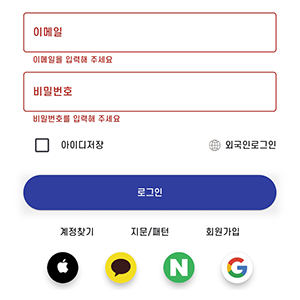
① Log in to the Certpia app
-
STEP 2
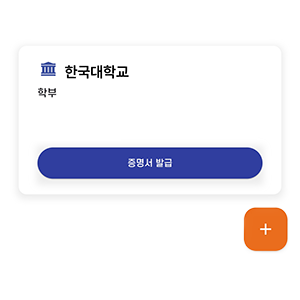
② Select Student Status / Student Registration
-
STEP 3
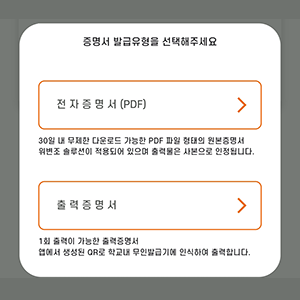
③ Select issuance type
-
STEP 4
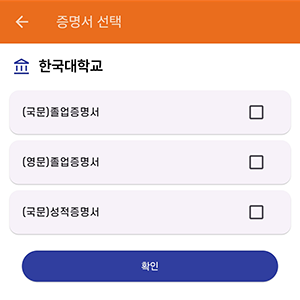
④ Select Certificate
-
STEP 5
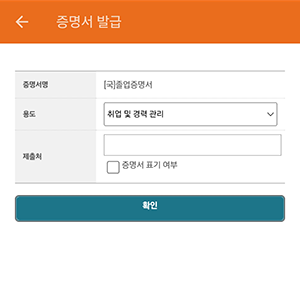
⑤ Enter Purpose/Submission Location
-
STEP 6
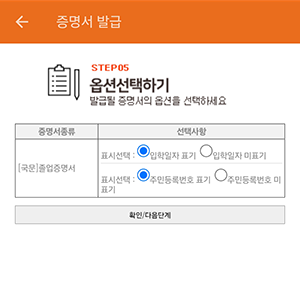
⑥ Select option
-
STEP 7
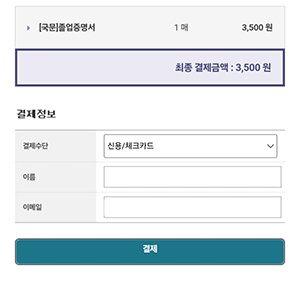
⑦ Payment
Mobile Verification Guide
-
STEP1
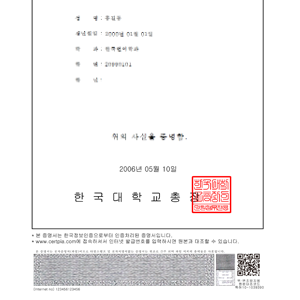
① Check the QR code at the bottom
of the certificate -
STEP 2
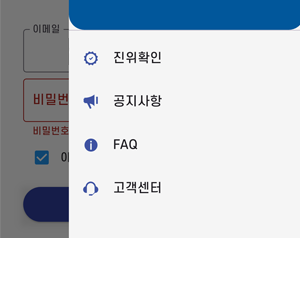
② Tap the ≡ menu in the upper right corner
and select [Verification]. -
STEP 3
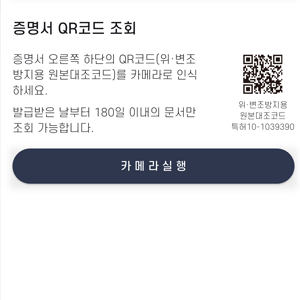
③ Tap Launch Camera